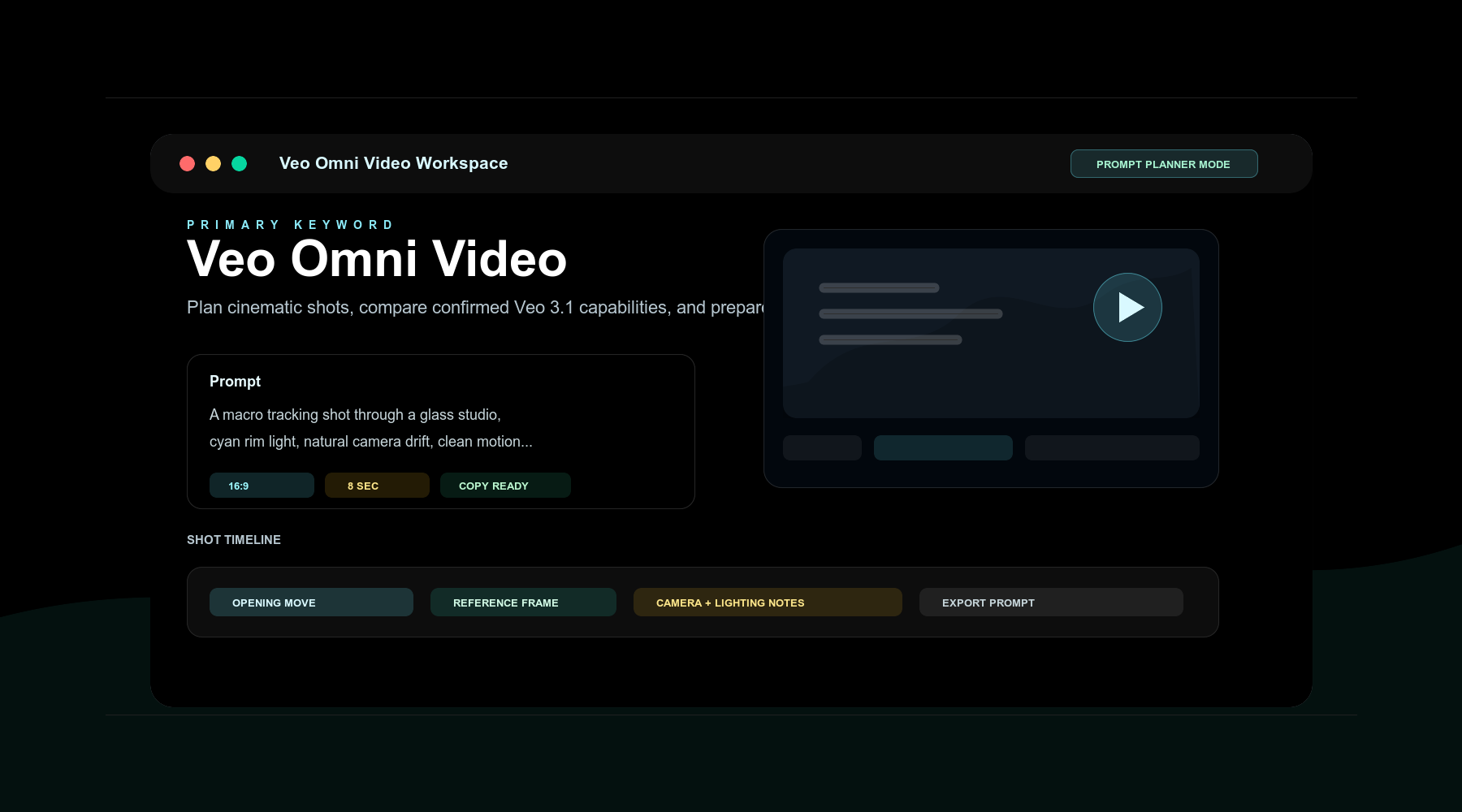
Veo Omni Video
Prompt Workspace
Plan cinematic AI video shots, organize multimodal prompts, and explore the emerging world of Veo Omni Video creation. Your independent hub for next-generation AI video workflows.
Independent Resource: This is not affiliated with Google, DeepMind, or Veo. The workspace is a prompt planner; live generation requires API credentials.
Veo Omni Video Prompt Workspace
Plan your AI video shots with precision. Organize prompts, set parameters, and prepare for generation.
Saved Shots
0/3Save a prompt to keep your latest shot directions visible while you refine the next scene.
Powerful Workspace Features
Everything you need to plan and organize your AI video prompts in one place.
Shot Planning
Organize your video concepts into structured shot cards with scene descriptions, camera movements, and timing.
Multimodal Prompts
Combine text descriptions with reference images and style keywords to create detailed prompts for AI video generation.
Aspect Ratio Controls
Switch between 16:9 landscape, 9:16 portrait, 1:1 square, and custom ratios for any platform requirement.
Duration Settings
Plan short clips and multi-shot sequences with clear timing notes before moving prompts into a generation provider.
Prompt Recipes
Start with curated prompt templates for common scenarios: product shots, landscapes, abstracts, and more.
Workspace Export
Copy formatted prompts for external AI video services while keeping confirmed and reported model capabilities separate.
Capability Status
Transparent information about what's confirmed, what's emerging, and our independence.
Veo 3.1 Capabilities
Google's Vertex AI documentation lists Veo 3.1 for text-to-video, image-to-video, prompt rewriting, and first/last-frame generation, with documented 4, 6, or 8 second clips.
Source: Google Cloud documentation
Veo Omni / Omni Video Terminology
The term 'Veo Omni' or 'Veo Omni Video' appears in search interest and community reports as possible Omni or Gemini video terminology. Treat it as unconfirmed until Google publishes it.
Source: Community reports and search interest
This Workspace
VeoOmni.video is an independent creator resource. We are not affiliated with Google, DeepMind, Gemini, or Veo. We provide tools for prompt planning and organization.
Source: Site policy
Feature Comparison
Confirmed Veo 3.1 documentation vs. emerging Omni reports
| Feature | Veo 3.1 (Confirmed) | Omni (Emerging) |
|---|---|---|
| Text to Video | ||
| Image to Video | Preview | Reported |
| First and Last Frame Guidance | Reported | |
| Documented Clip Length | 4, 6, or 8 sec | Unconfirmed |
| Reference Image to Video | — | Unconfirmed |
| Public API Access | Vertex AI | Unknown |
Frequently Asked Questions
Common questions about Veo Omni Video and our independent workspace.
Ready to plan your next AI video project?
Start organizing your prompts, exploring aspect ratios, and preparing for the future of AI video creation.